A
FEW THINGS YOU MIGHT BE WONDERING
Good questions.
Clear
answers.
A
few details about reading, AI, and your personal library.
What
can I read in TextMind?
In
0.2.1, import PDFs, EPUB books, DOCX, Markdown, plain text, web
articles, or pasted text. Scan a folder and choose up to 300
documents per import. On macOS, scanned PDF pages use built-in
OCR. Switch to Original PDF when you want to see the saved file’s
layout.
Do
I need an account or AI subscription?
No
account is required to read, highlight, take notes, or search your
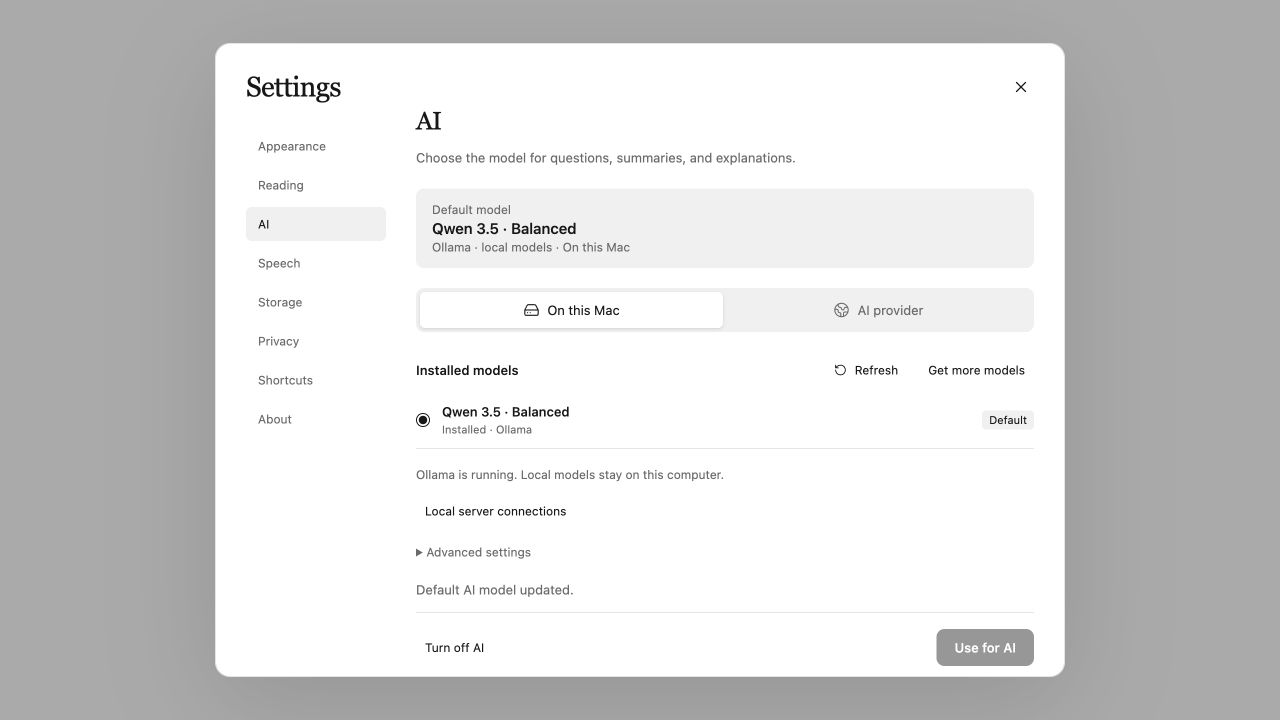
documents. AI features need a provider you configure: a local
model through Ollama or LM Studio, or your own cloud provider
credentials. Version 0.2.1 includes guided Ollama model downloads
and optional local embeddings for semantic search and document
questions. Any cloud API costs are billed by that provider.
Can
I use it offline?
Your
imported documents, progress, notes, text search, and saved study
material work offline. Installed local AI models and downloaded
Kokoro voices run on your machine. Initial model/voice downloads,
URL imports, and cloud AI or speech actions need a connection.
Where
does my library live?
On
your computer. Local files default to links to their originals;
choose a stored copy when importing if you prefer. Cached reading,
notes, and generated material live in the TextMind data folder.
Source details show the original path and let you locate moved
files or refresh changed originals into separate versions. Linked
originals should be backed up separately. You can select a
different location in Storage settings. TextMind copies and
verifies your library on the next launch, keeps the previous
folder intact, and never overwrites an existing destination. Back
up your whole data folder while the app is closed.
Which
platforms are available?
TextMind
0.2.18 is available as a DMG download for Apple Silicon Macs (M1
or newer) running macOS 13 or later. It is an early desktop MVP.
The source supports building for Windows and Linux with the
required native dependencies, but those platforms have not yet
been verified. The current Mac build is signed with a Developer ID
certificate and notarized by Apple.
How
do I install the Mac app?
Open
the downloaded DMG and drag TextMind.app to the Applications
shortcut. Eject the disk image, then open TextMind from
Applications to start your library. Both the app and disk image
are Developer ID signed and notarized by Apple. macOS may ask you
to confirm opening an app downloaded from the internet. See
Apple's
guidance
for opening apps from outside the App Store
for
more information. An Intel Mac build is not available in this
release.
Why
might Chrome warn about the download?
Chrome
may say the file “isn't commonly downloaded” because it treats
unfamiliar downloads as suspicious. Chrome's checks are separate
from Apple's notarization. The Mac release is Developer ID signed
and notarized, and you can verify your DMG against the published
SHA-256 checksum. See
Google's
explanation of download warnings.
Can
I search and ask across documents?
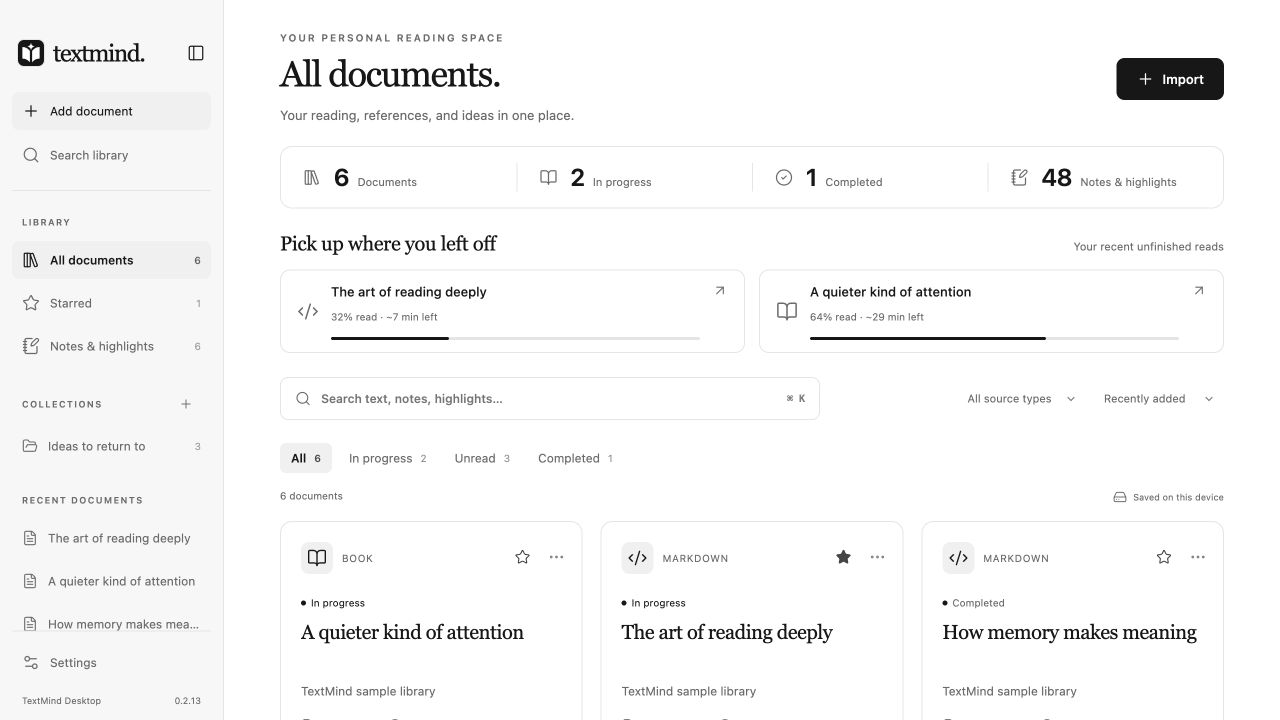
Library
search finds words in document text, notes, highlights, titles,
and authors, all offline. Create a collection with the sidebar +
and select documents, then choose Ask collection to compare
sources using your configured AI provider. Saved answers include
citations and the retrieved passages. Answers use selected
excerpts within the model context window; their source counts show
coverage. You can stop or retry generation.
How
are reading and study tools organized?
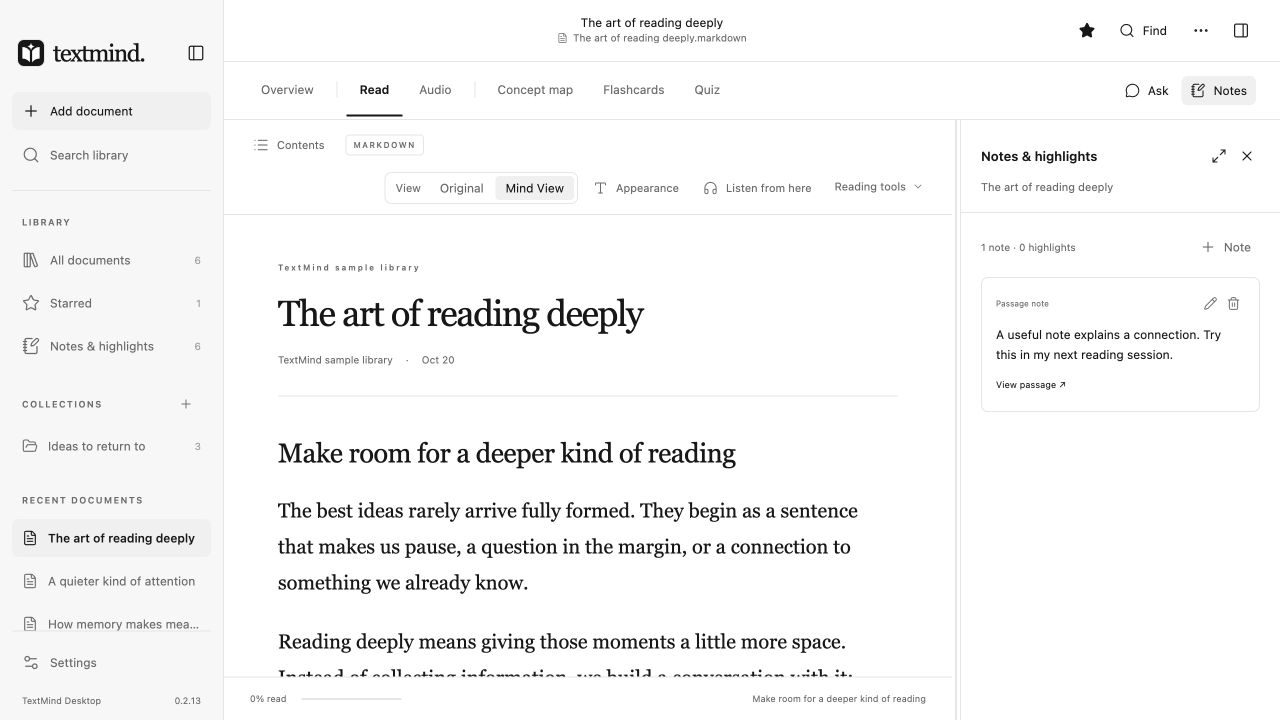
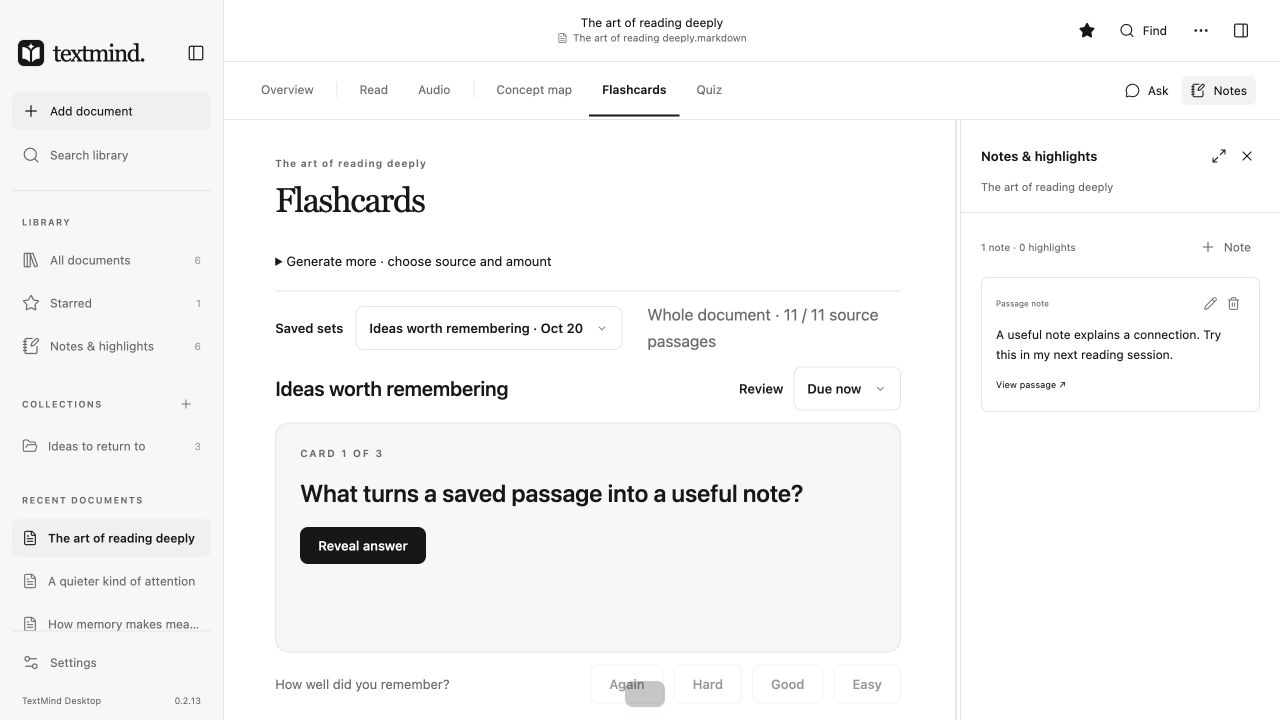
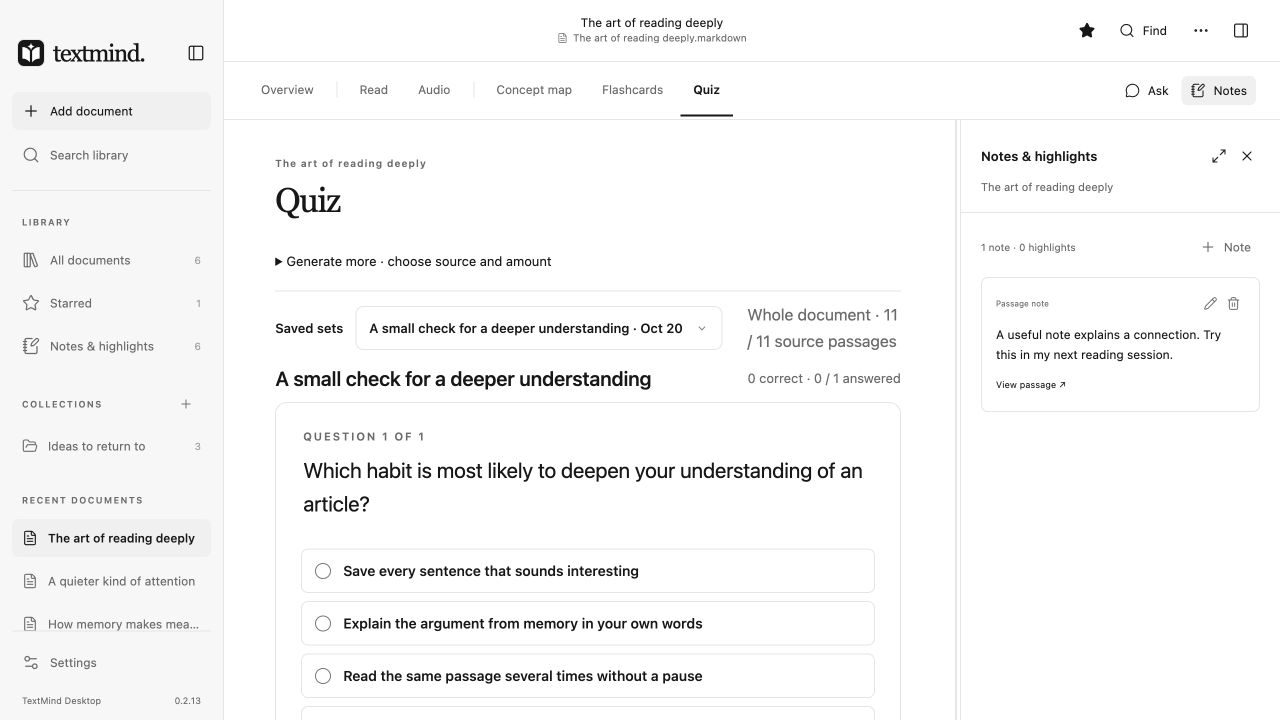
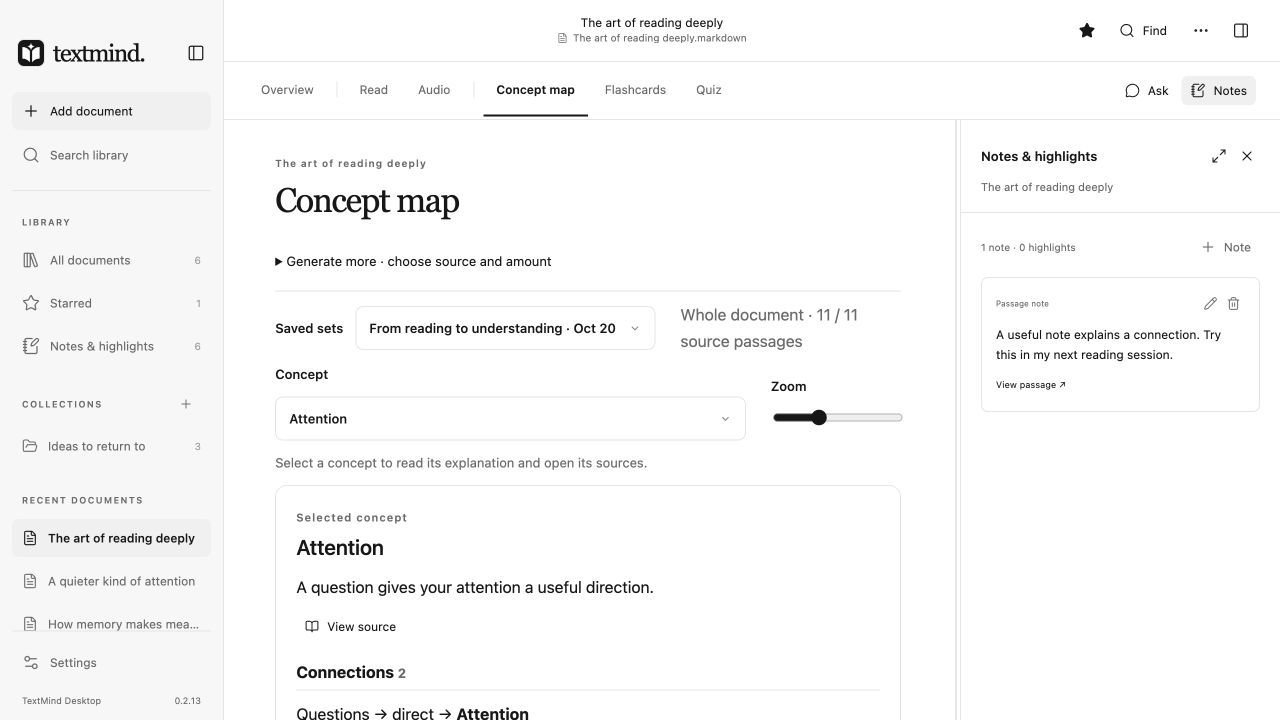
Generate flashcards, quizzes, and source-linked concept maps from a document or section. Audio reads the original text. Saved study material stays on your Mac; check its source references.
How
do YouTube and X imports work?
Import
available YouTube captions in your chosen language after a
one-time helper and runtime setup on macOS. You can also paste a
timestamped transcript or import VTT/SRT files. An optional
Supadata fallback retrieves existing captions using your own API
key and account credits; it is off by default and sends the video
URL and preferred language. Videos without accessible captions
need a supplied transcript; TextMind does not transcribe the
video’s audio. For X, supply public post links in thread order (up
to 50) or paste the thread. It does not automatically discover
every reply, import X articles, or bypass login restrictions.
Can
I listen with a natural local voice?
Download optional Kokoro English voices in Speech settings for narration on your device. System voices and compatible provider speech are also available. Audio reads the original text and caches narration for later listening.
Does
TextMind sync between devices?
TextMind
stores your library locally. Automatic app updates, cloud sync,
mobile apps, subscriptions, and Document Pass are planned for
later milestones and are not included today.